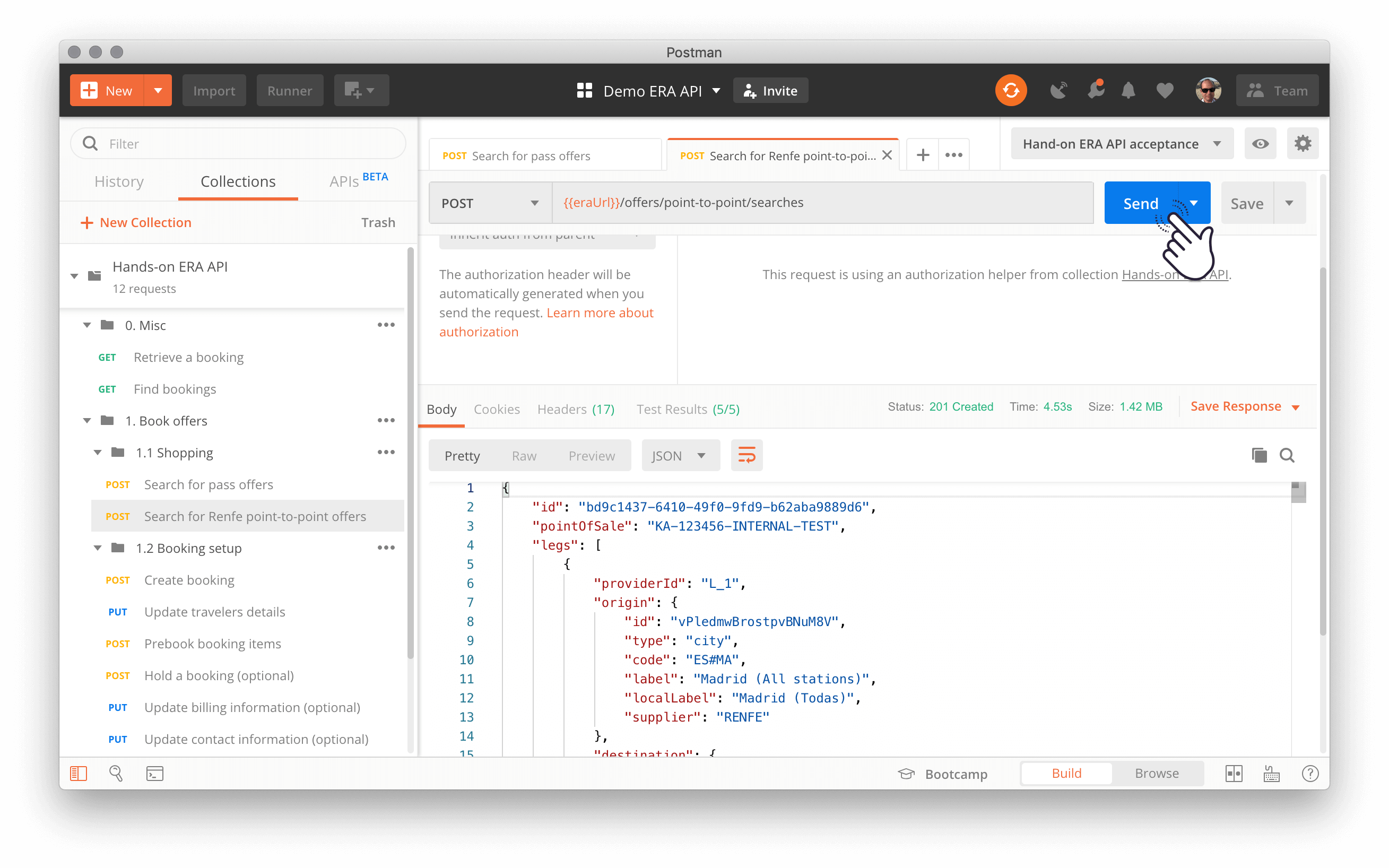
Import ERA API collection.
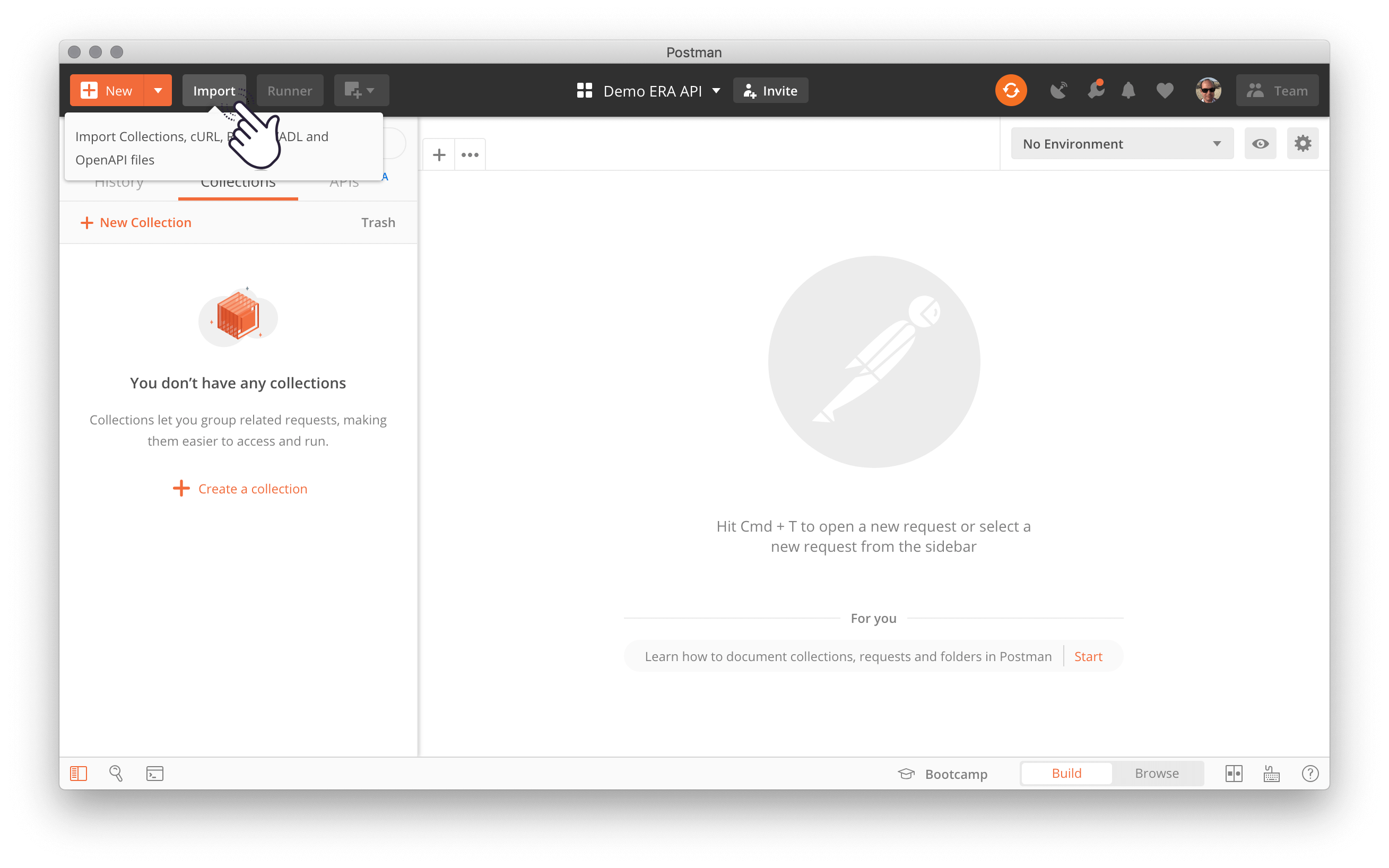
1. Choose "import from link"
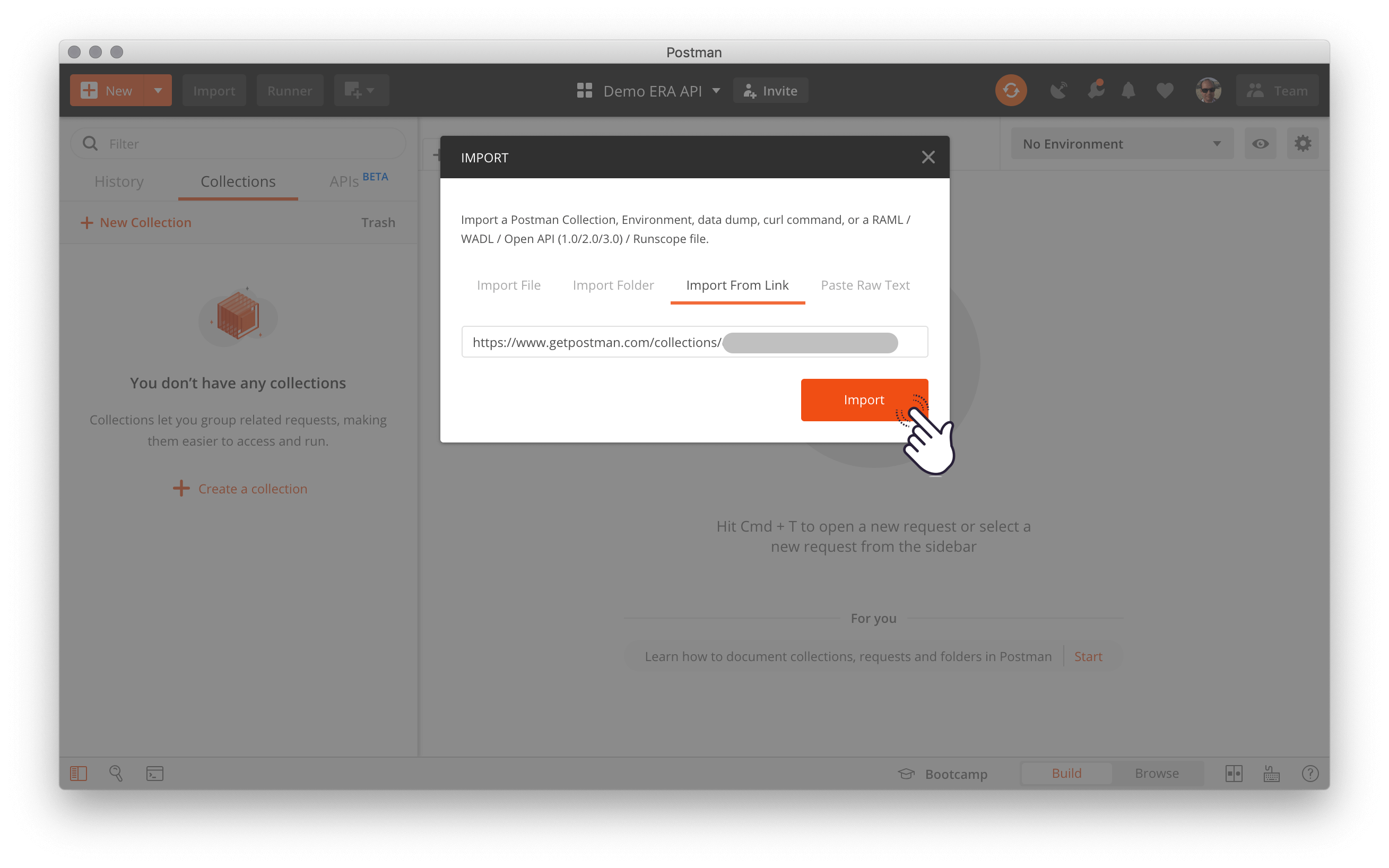
2. Paste the link from API docs: Hands-on ERA API collection
3. Import your new collection
Manage ERA API environments.
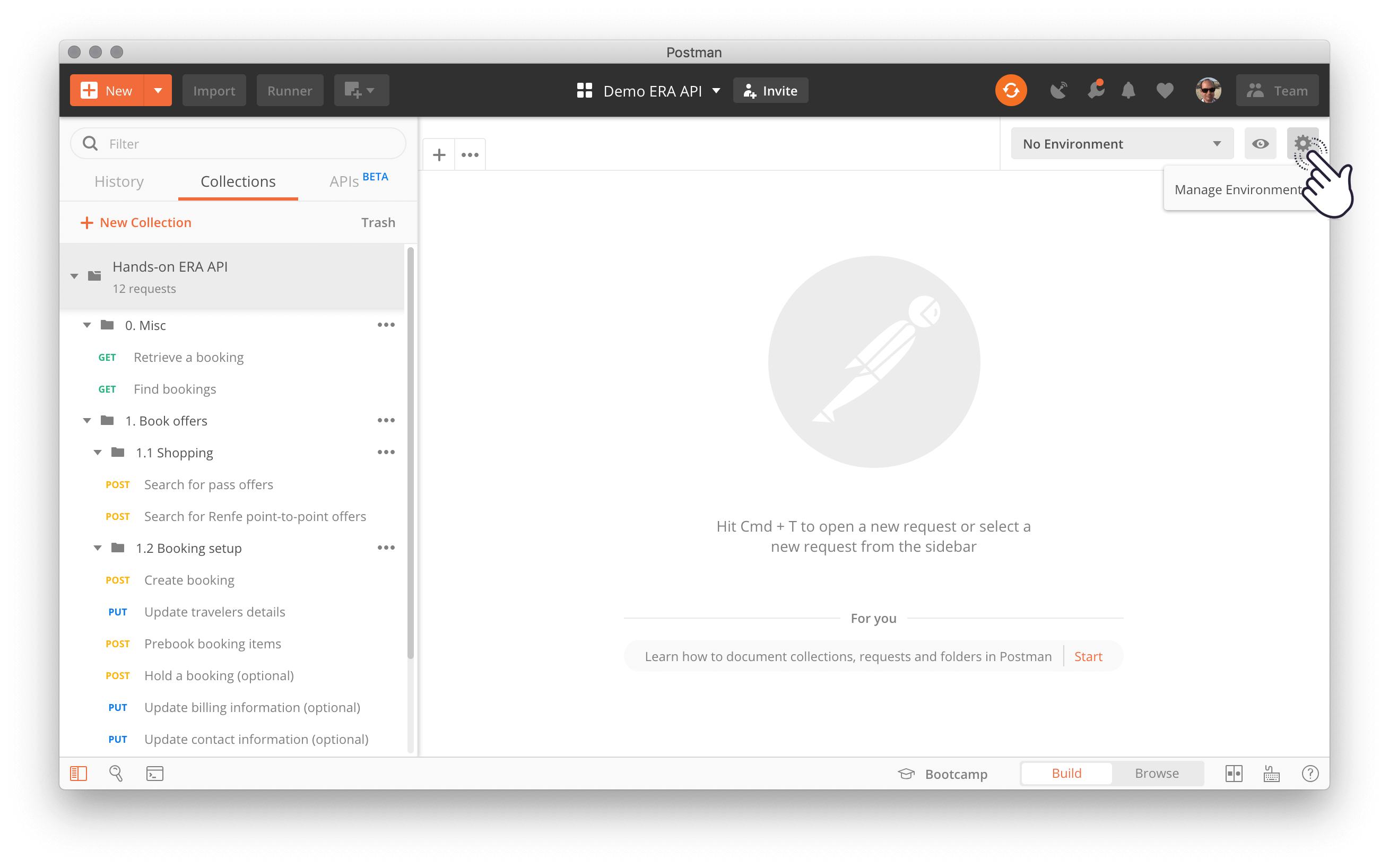
1. Download on a local directory: Hands-on ERA API environment template
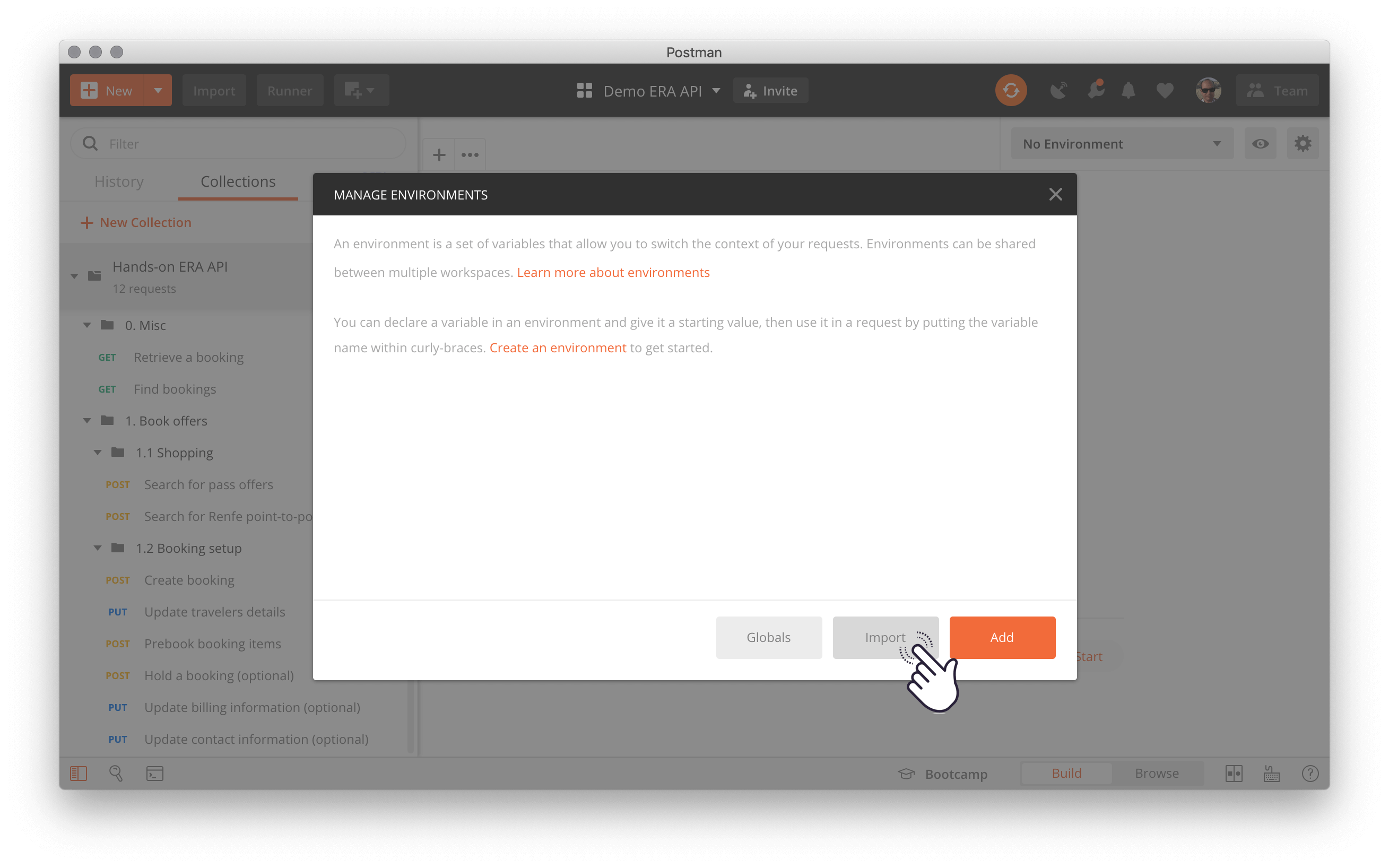
2. Select to import an existing environment
3. Select file Hand-on ERA API sandbox.postman_environment.json in your local directory
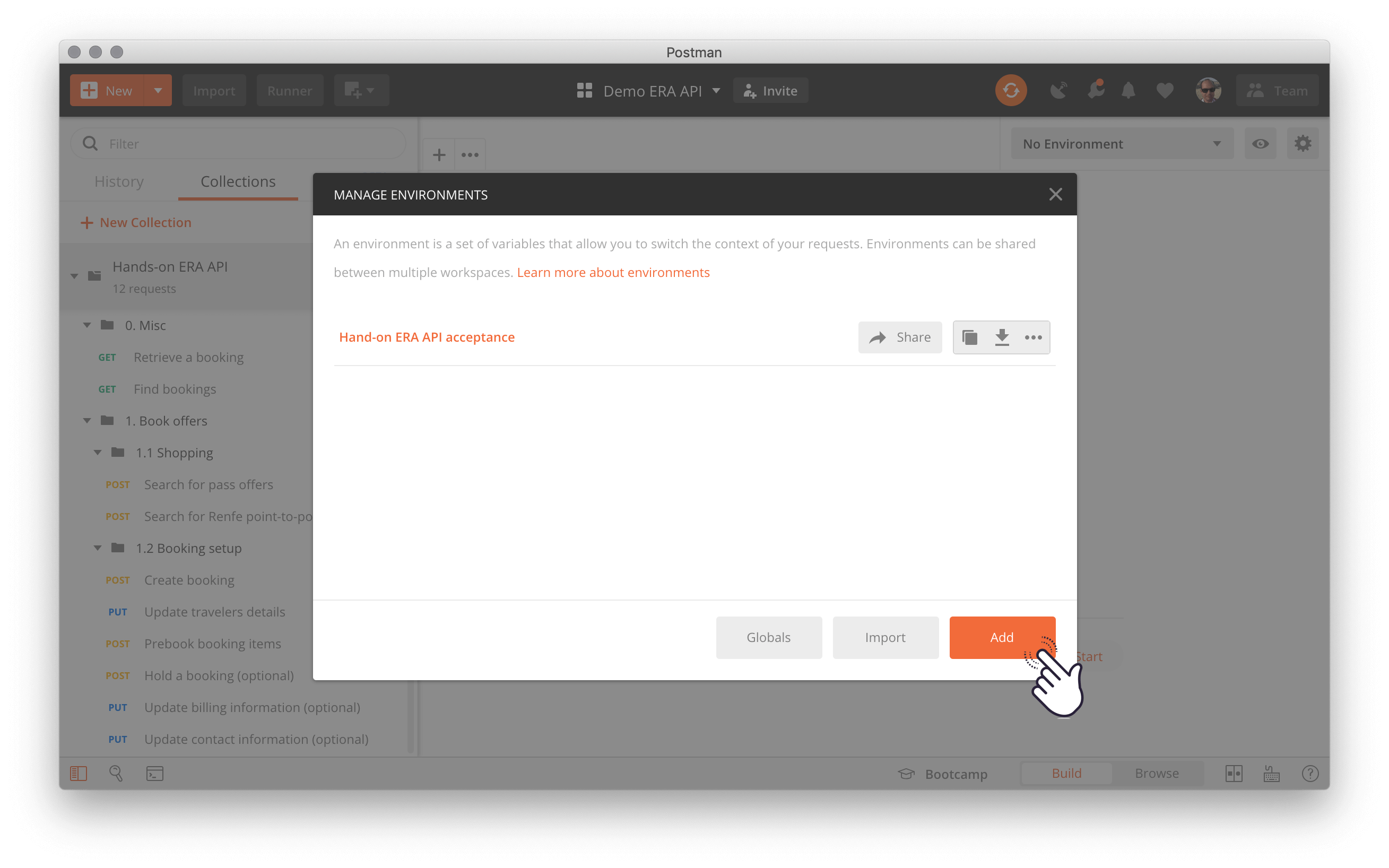
4. Add the imported environment
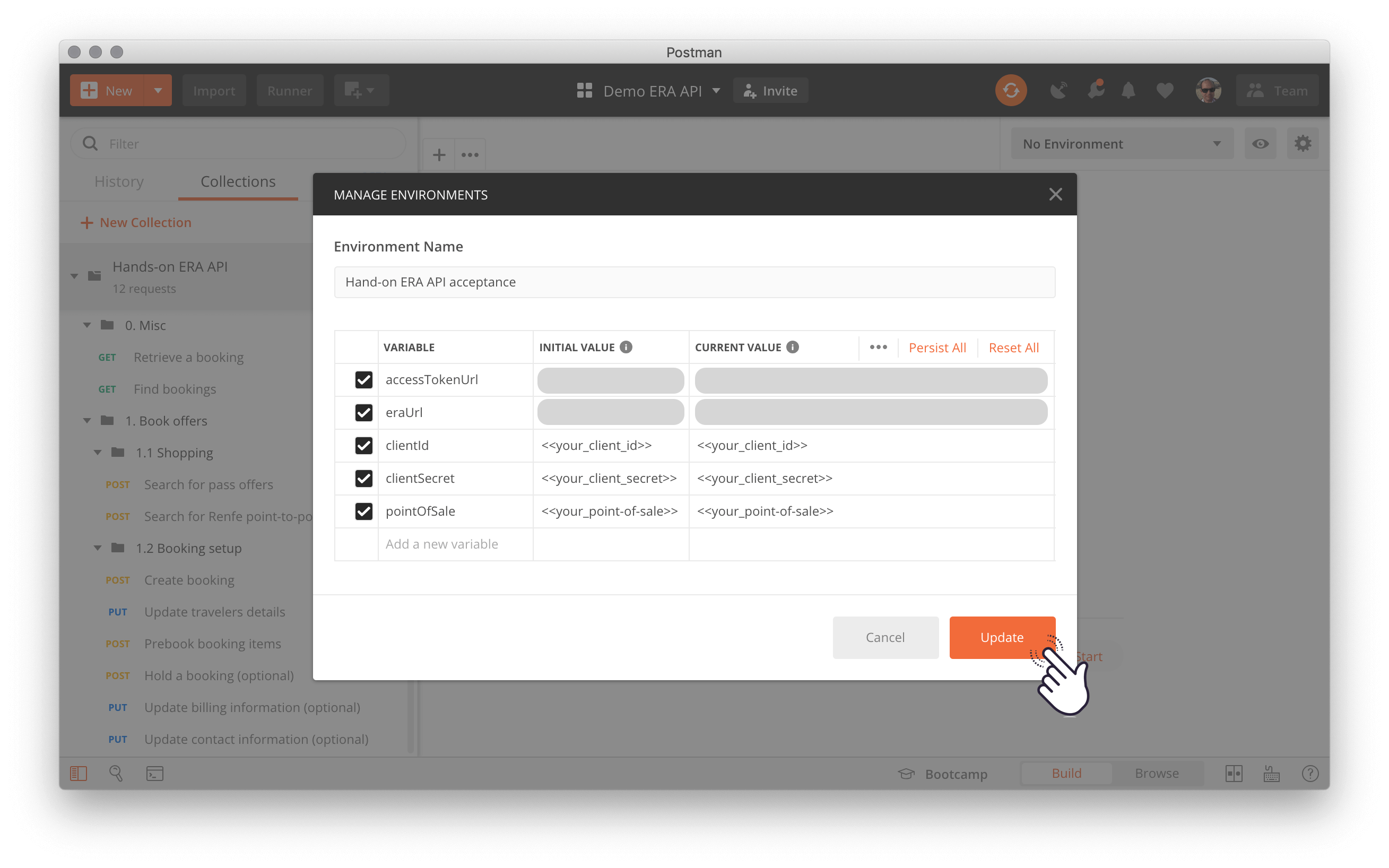
5. Complete the environment configuration with the settings provided by Rail Europe
Please contact our support team to get your test environment credentials.
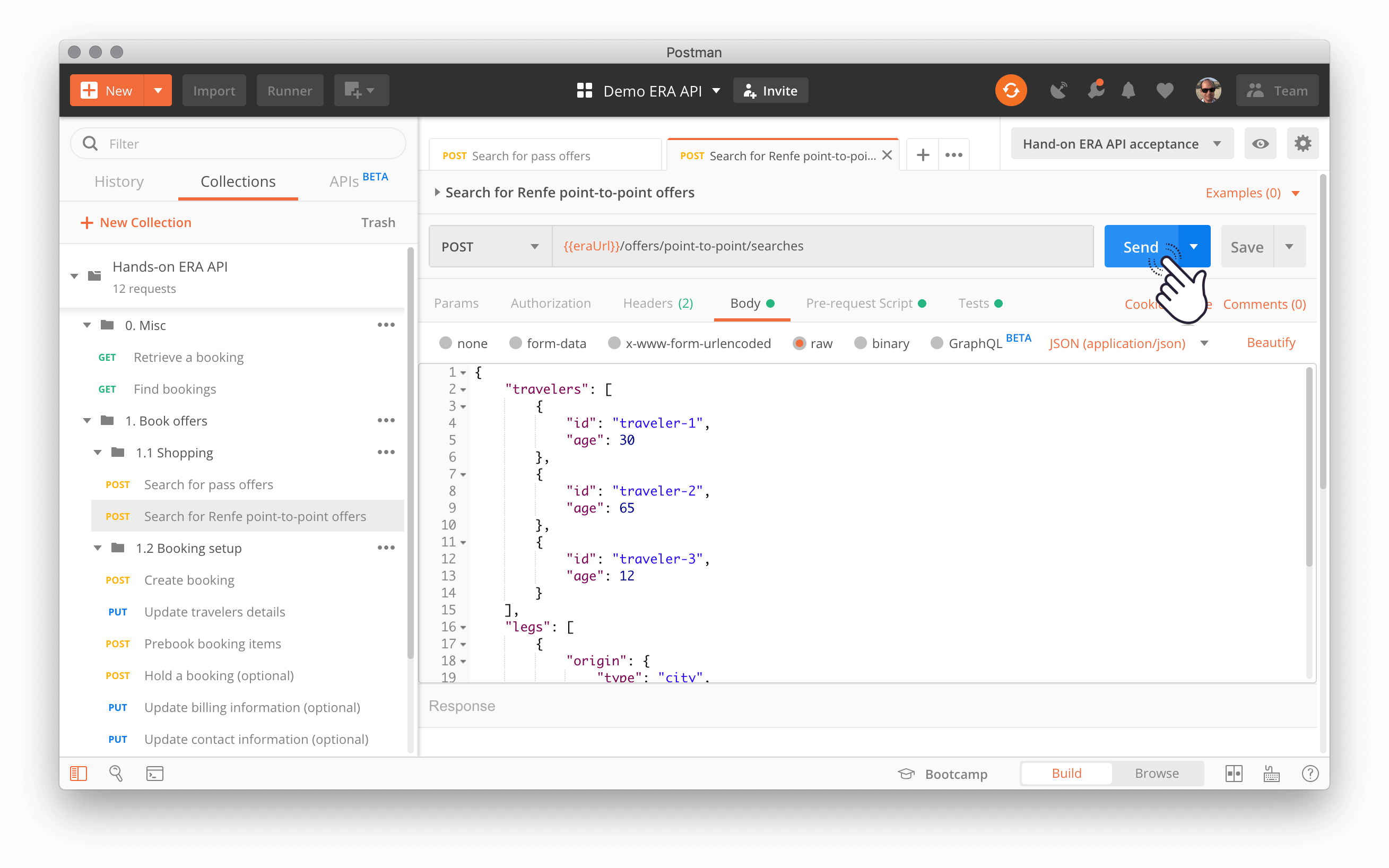
Search some point-to-point offers...
You're not authorized (yet!) to access ERA API, you need to generate a token.
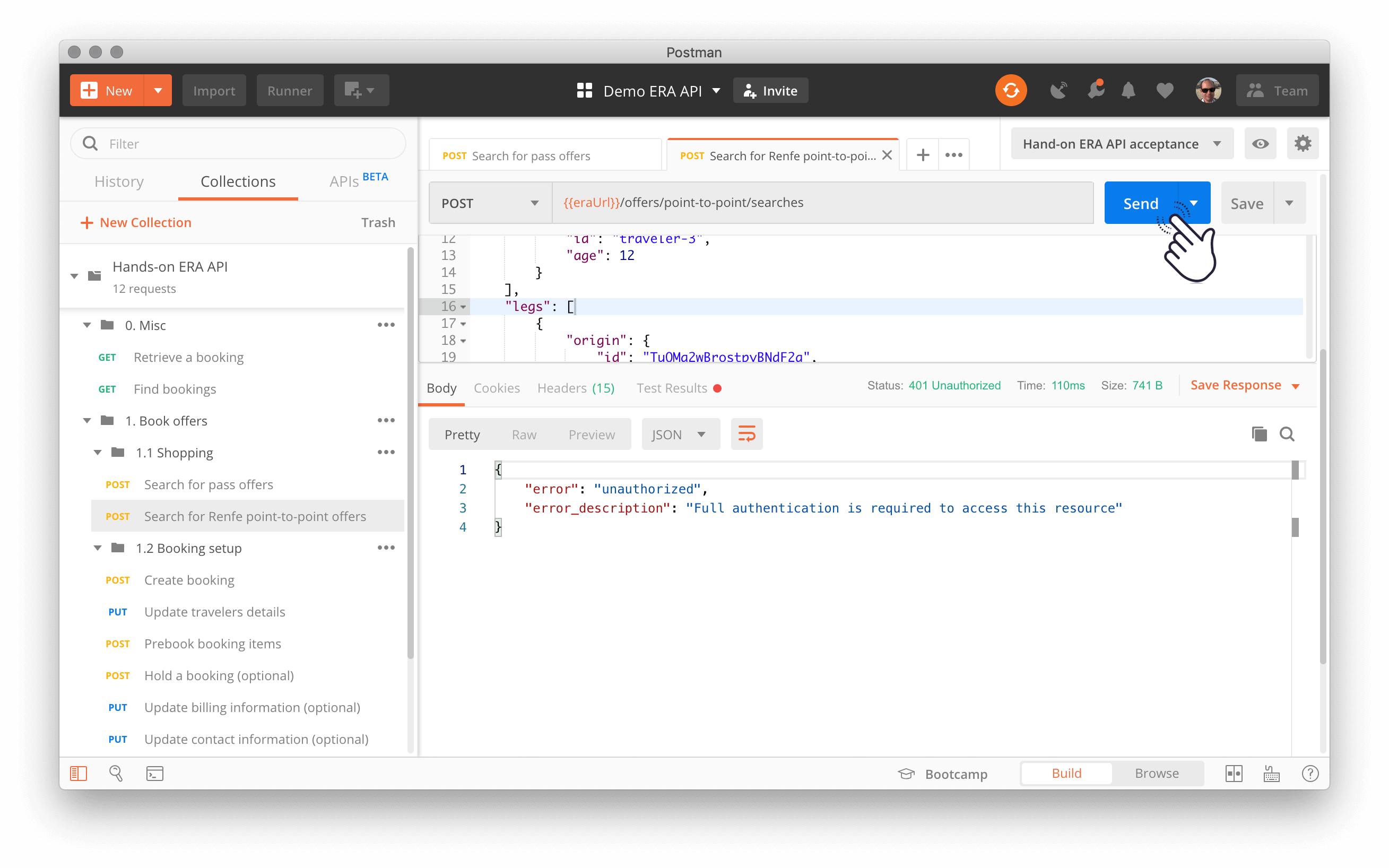
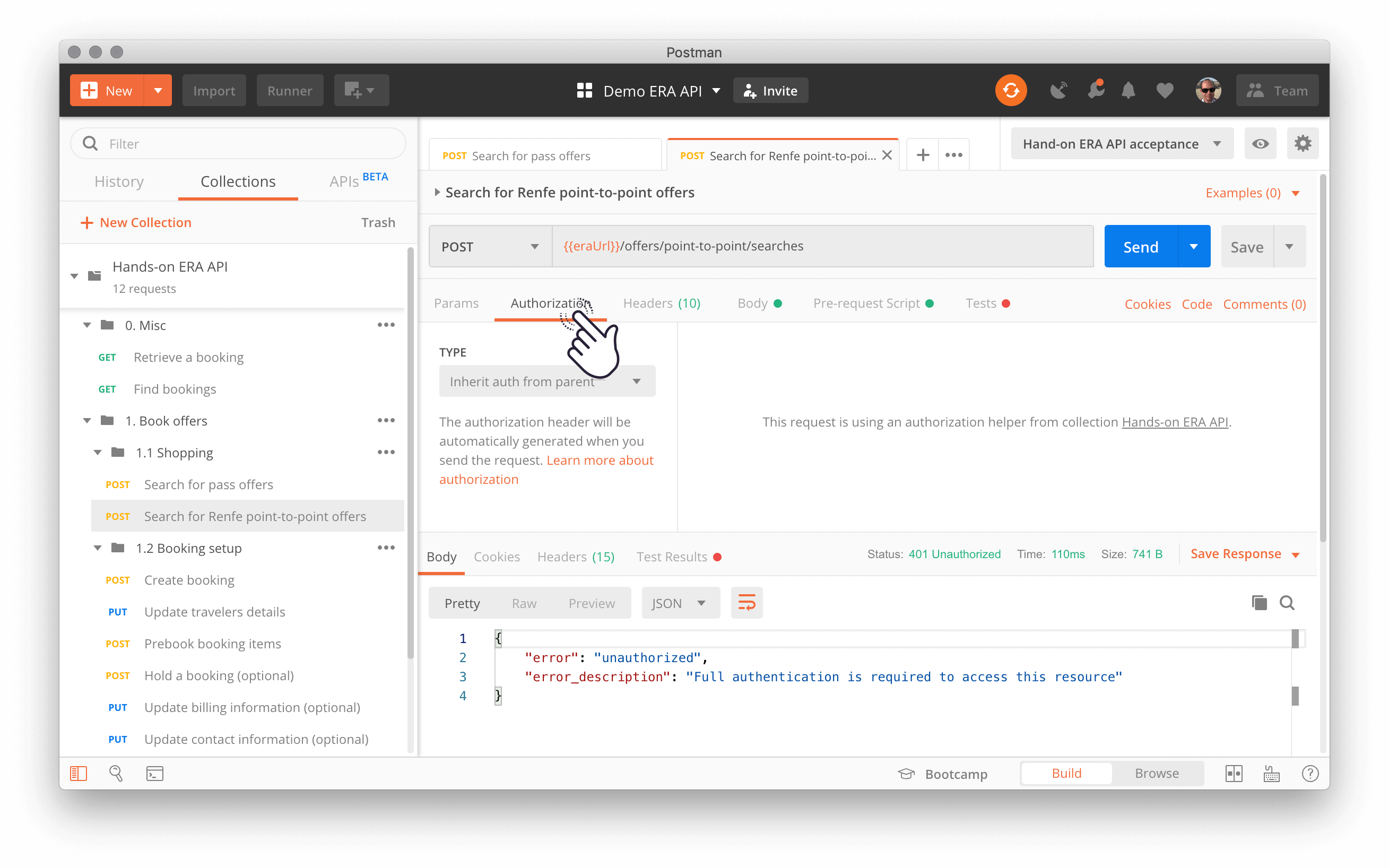
1. Select Authorization tab to authorize your request
2. And go to "Hands-on ERA API" link
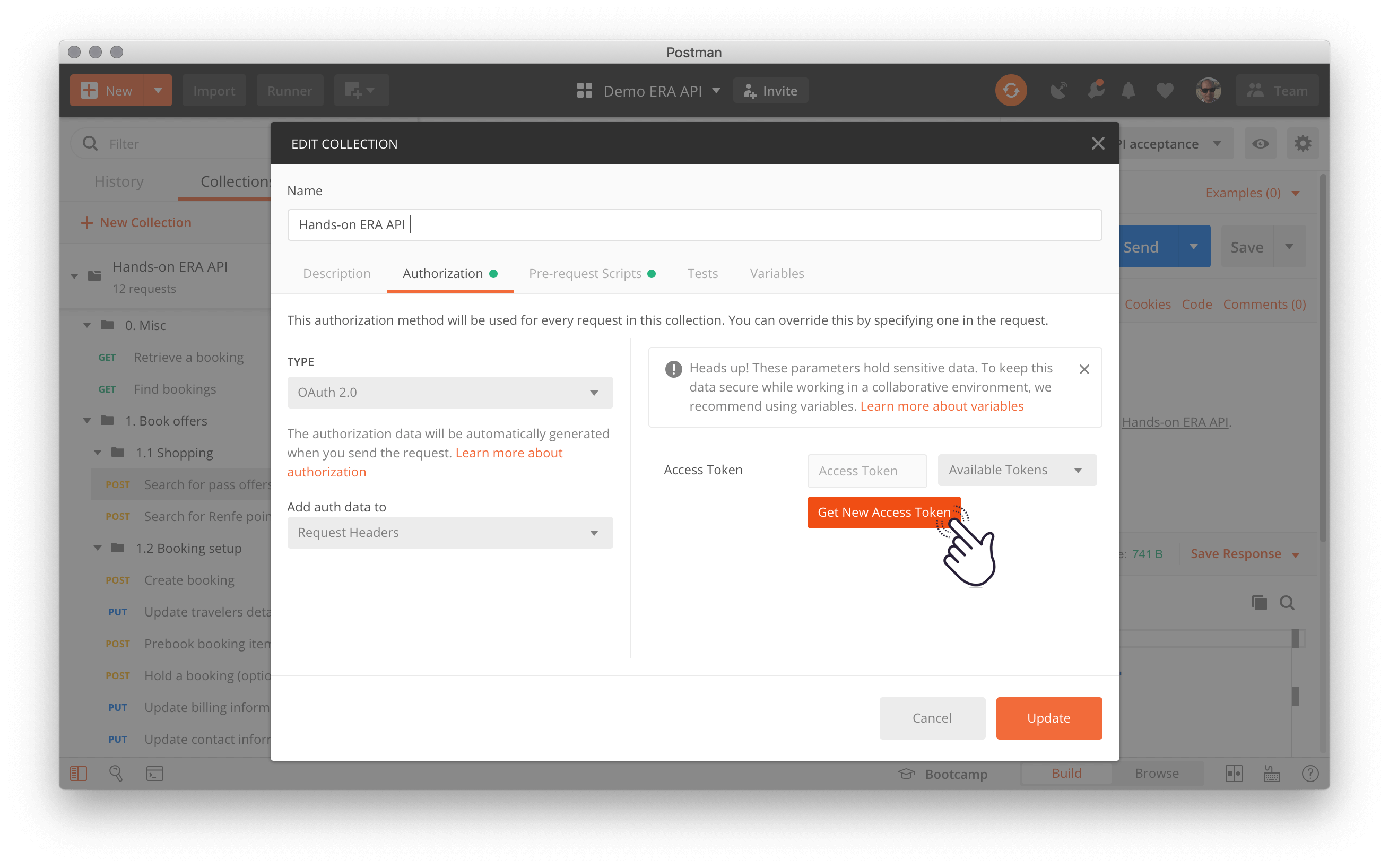
3. Get a new access token
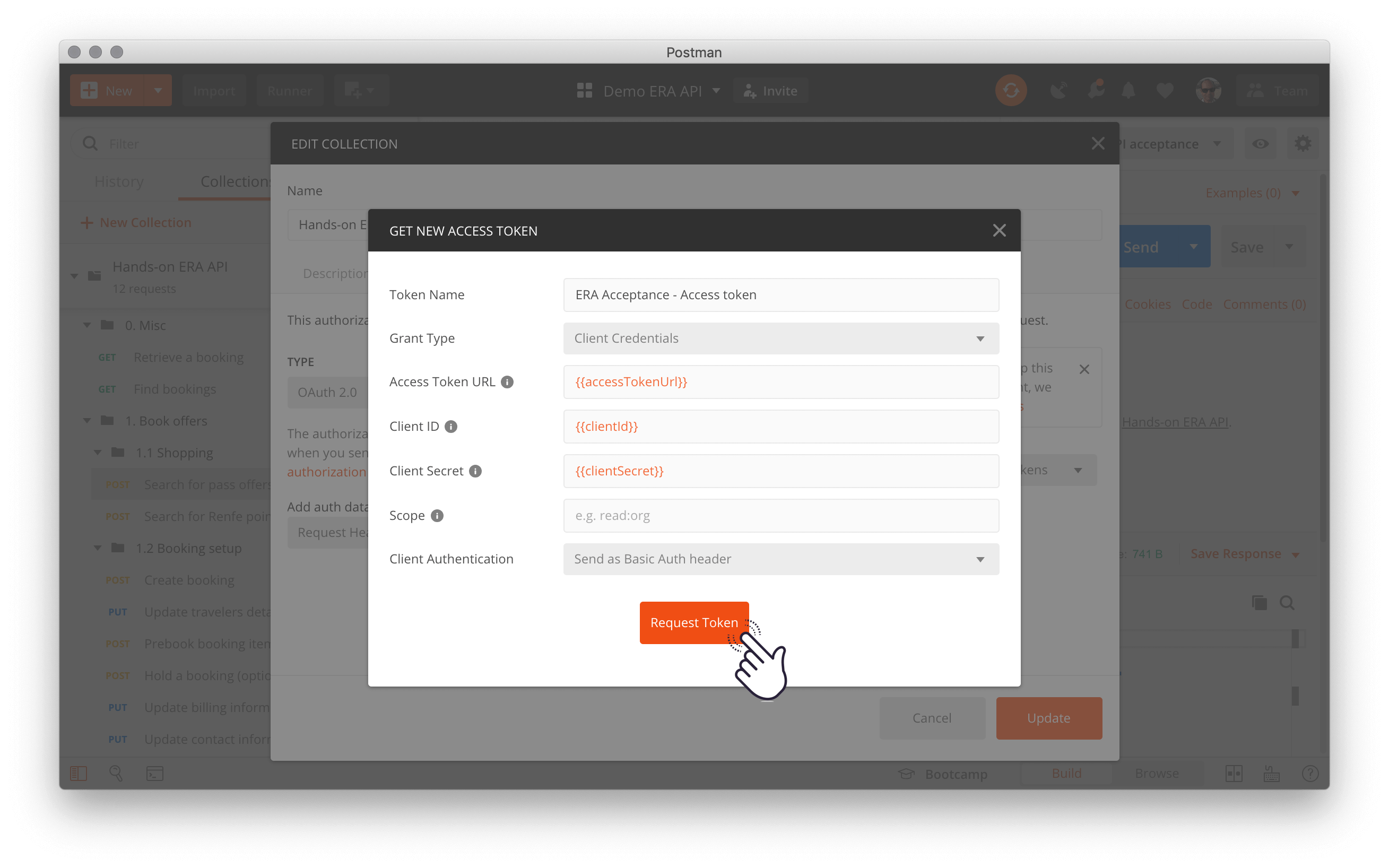
4. Request ERA authorization server for a new token
5. And finally select "Use Token" option
6. Now you can update your configuration with the provided access token
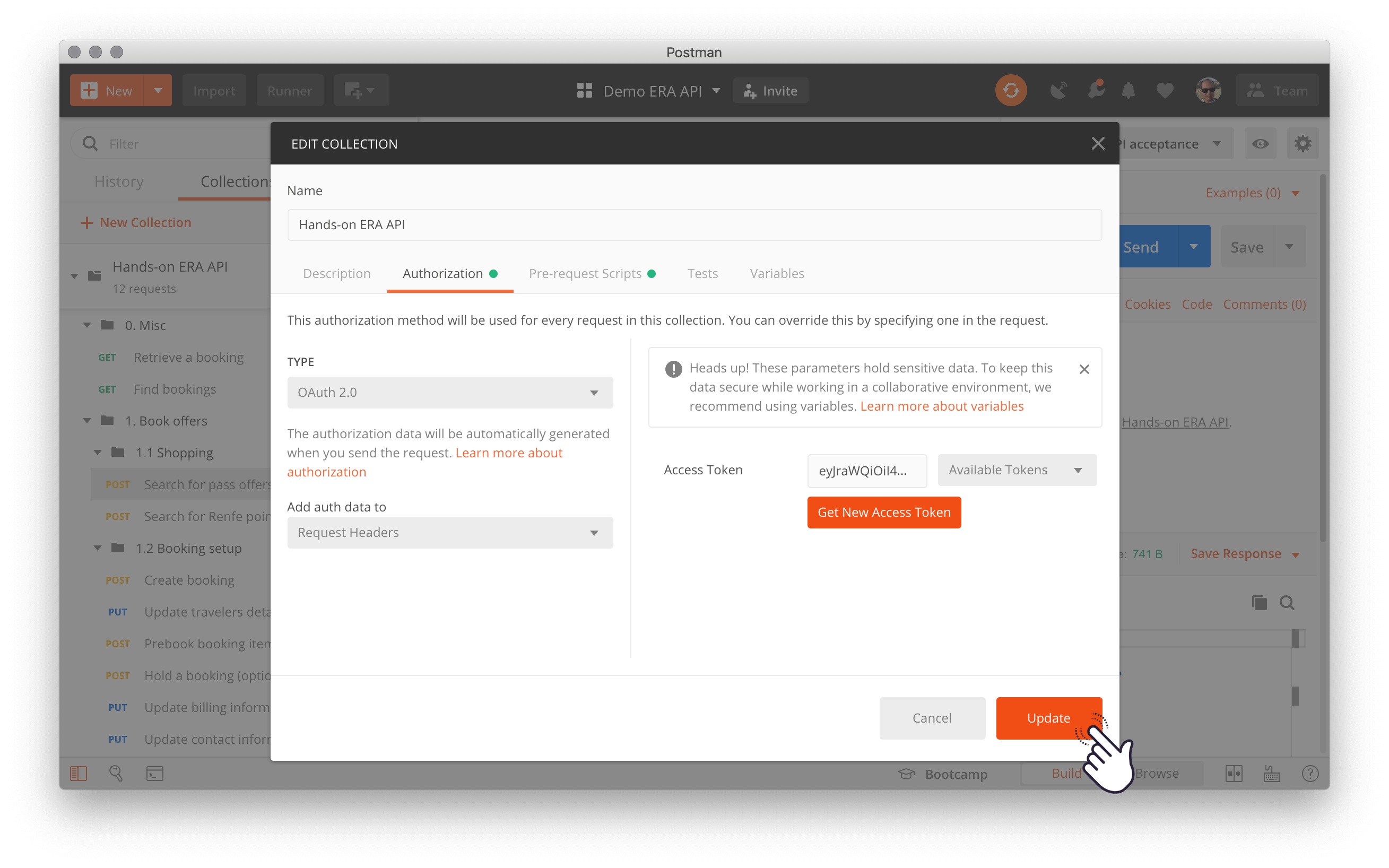
7. Submit again your point-to-point offers search
And voila, you finally succeed doing your first ERA API request!